

Descripción
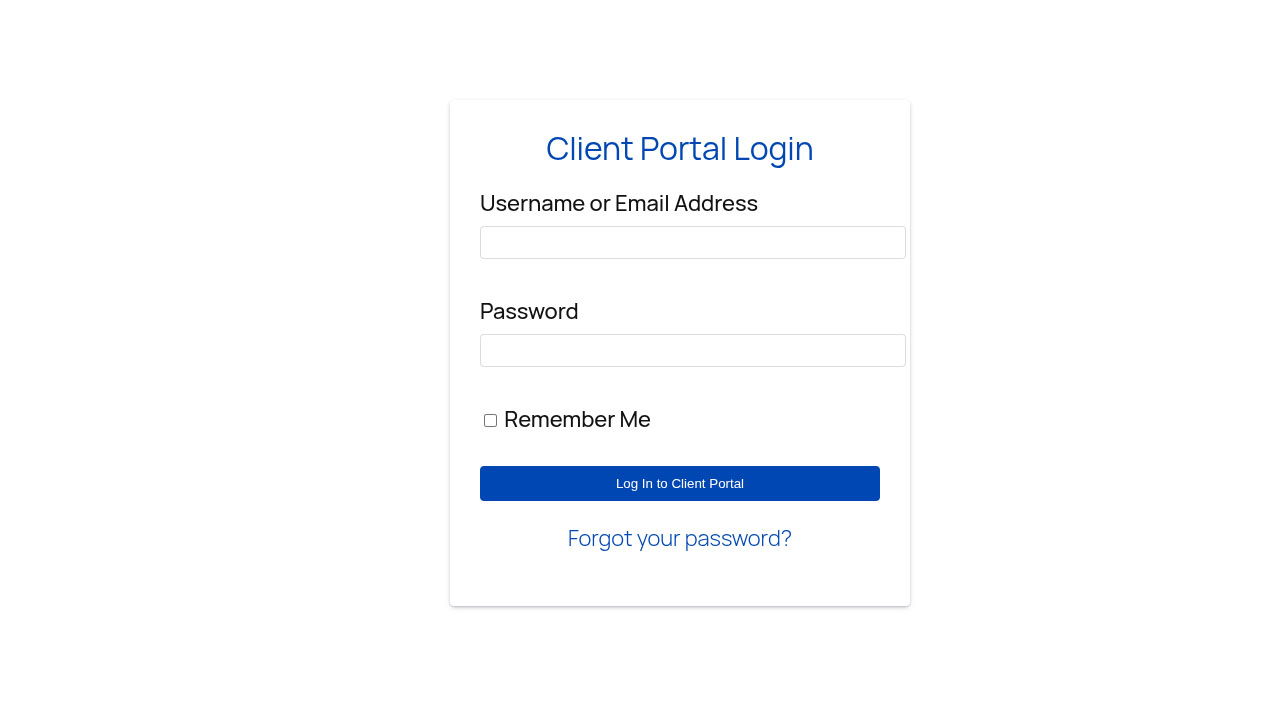
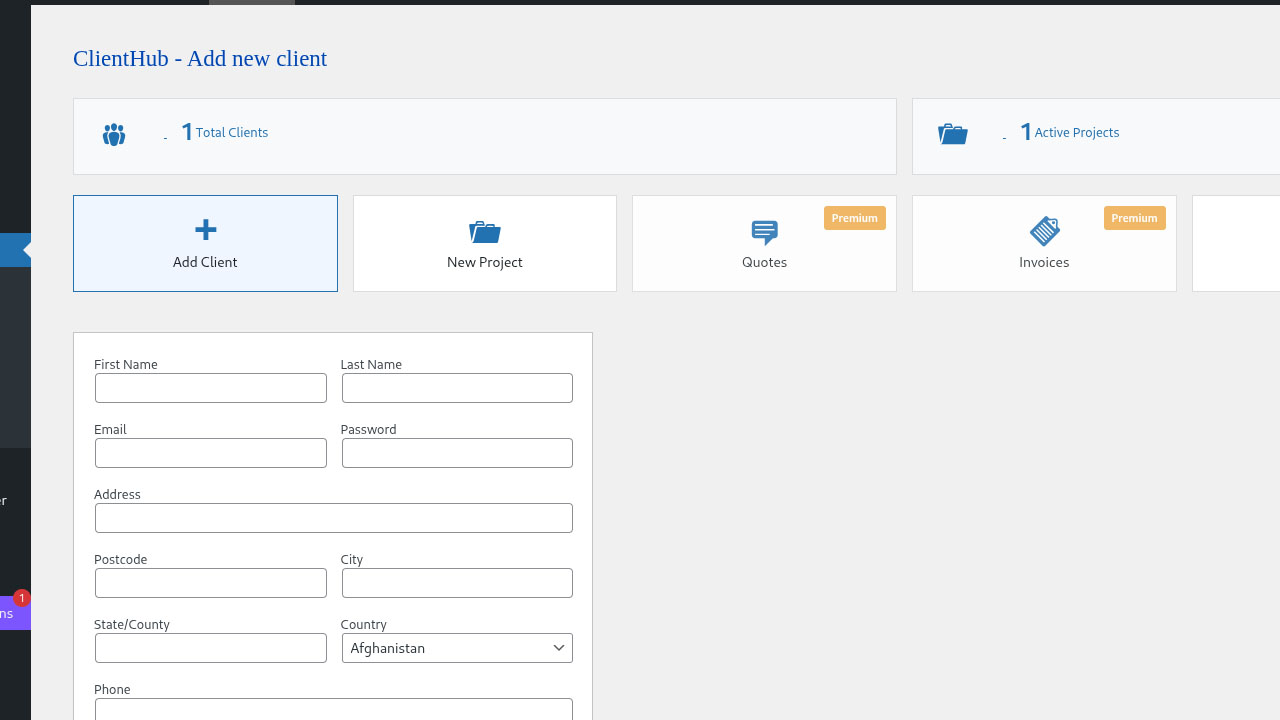
ClientHub helps freelancers and agencies manage clients inside WordPress: keep contact details in one place, track project progress, and give each client a secure portal to view their projects and message you.
Included in this release:
- Client records linked to WordPress user accounts
- Project tracking with progress and dates
- Admin and client messaging
- Front-end portal via the
[clienthub]shortcode - Email notifications for new projects, project updates, and new client messages
- Dedicated Client Portal User role for portal access
- Responsive admin and portal styling
Premium (optional): Quotes, invoices, and advanced reporting are available from NETT.PRO and are clearly marked in the admin dashboard. They are not part of the free WordPress.org plugin.
Whether you manage a handful of clients or a growing roster, ClientHub keeps day-to-day communication and project status in one place without leaving WordPress.
Capturas



Instalación
- Upload the
clienthubfolder to the/wp-content/plugins/directory - Activate the plugin through the ‘Plugins’ menu in WordPress
- Go to ‘ClientHub’ in your WordPress admin panel
- Add your first client and create projects
- Use the shortcode
[clienthub]on any page to display the client portal
Preguntas frecuentes
-
Can I customize the look of the client portal?
-
The portal uses the plugin’s built-in styles so it works with most themes. Advanced branding (colors, logo, white-label) is part of ClientHub Premium. You can still style the portal with your theme’s custom CSS if needed.
-
Is ClientHub compatible with my theme?
-
ClientHub is designed to work with most WordPress themes. The plugin uses WordPress coding standards and follows best practices for compatibility.
-
How secure is the client data?
-
ClientHub uses WordPress’s built-in security features including nonce verification, secure password hashing, and role-based access control. Clients only see their own projects and messages when logged in through the portal.
-
Can clients access their own portal?
-
Yes. Each client has a WordPress user account and can log in on the page where you placed the
[clienthub]shortcode to view projects, send messages, and update profile settings. -
Do I need coding knowledge to use ClientHub?
-
No. Install, activate, add clients, create a portal page with the shortcode, and you are ready to go.
-
Does the free plugin include file sharing?
-
Not yet. File sharing and document libraries are planned for a future release (and are highlighted as Premium on the dashboard). This readme describes only what the current free version provides.
Reseñas
No hay reseñas para este plugin.
Colaboradores y desarrolladores
“ClientHub” es un software de código abierto. Las siguientes personas han colaborado con este plugin.
Colaboradores
Traduce “ClientHub” a tu idioma.
¿Interesado en el desarrollo?
Revisa el código , echa un vistazo al repositorio SVN , o suscríbete al log de desarrollo por RSS .
Registro de cambios
1.0.4 – 2026-10-22
- Tested compatibility with WordPress 7.1
- Aligned readme and plugin description with actual free features (WordPress.org clarity)
- Centralized client creation logic; removed duplicate unused handlers
- Assign Client Portal User role when adding clients; one-time role sync for existing client accounts (non-destructive)
- Register client role on activation from the main plugin file
- Load portal CSS only on pages that contain the
[clienthub]shortcode - Preserve version and database options on deactivation for safer upgrades
- Improved translatable strings in the client portal
1.0.3 – 2026-05-25
- Tested compatibility with WordPress 7.0
- Updated readme.txt
1.0.2
- Added plugin version badge to admin dashboard corner
- Added email notifications to admin when new projects are created
- Improved security with standardized direct access protection
- Added translators comments for all placeholder strings
1.0.1
- Tested compatibility with WordPress 6.9
- Updated readme.txt
1.0.0
- Initial release
- Client management system
- Project tracking with progress bars
- Secure messaging between admin and clients
- Client portal shortcode
- Responsive mobile design